

Descript
4.4/5Video ToolsEdit video and audio by editing text.
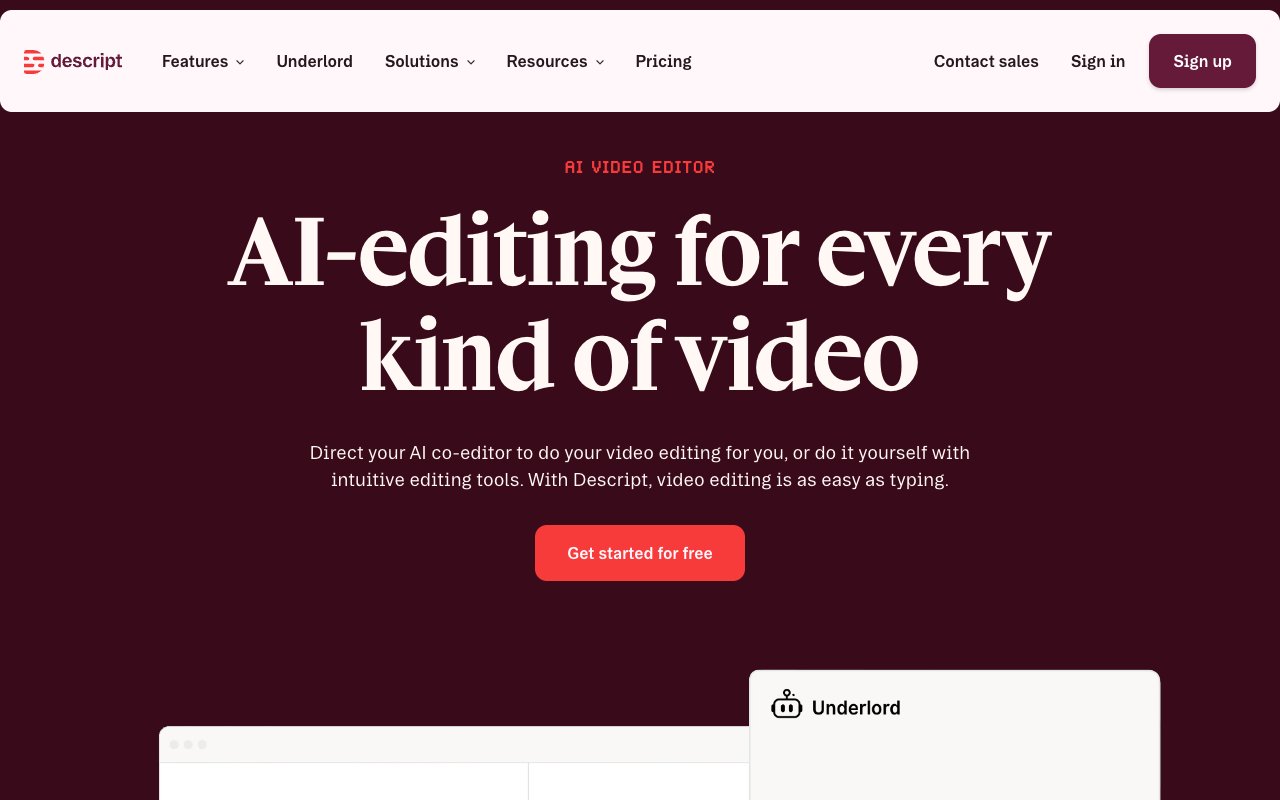
Descript turns audio and video editing into a text editing problem. Transcribe a recording, delete a sentence from the transcript, and that section disappears from the video. It also includes voice clones (AI Speech) to fix mistakes by typing, Studio Sound for audio cleanup, and the Underlord AI assistant.
Tovorify score
Recommended
#4 in Video Tools
| Category | AI Video Tools |
| Pricing | Free plan (1 media hour/month, 720p, watermarked). Hobbyist at $16/month and Creator at $24/month, billed yearly ($24 and $35 monthly). Business at $50/month billed yearly ($65 monthly). |
| Free plan | Yes |
| Best for | Podcast editing, YouTube video editing, Removing filler words automatically, Recording screen and camera simultaneously, Voice cloning for mistake correction |
Plans at a glance
USD per month
- Free$0
- Hobbyist$16
- Creator$24
- Business$50
Pros and cons
What works
- Edit video by editing the transcript — no timeline scrubbing required
- Voice clones correct audio mistakes without re-recording
- Filler word removal (um, uh, like) works in one click
- Caption translation in 61 languages and audio dubbing in 30
Worth knowing
- Transcription accuracy drops on strong accents or technical jargon
- Not suited for cinematic or effects-heavy video production
- Free plan exports at 720p with a watermark
- Media hours cap every plan: 10 on Hobbyist, 30 on Creator, 40 on Business
What Descript actually does
Descript is a video and audio editor built around a single insight: most people can edit text faster than they can edit a timeline. When you import a recording into Descript, it transcribes the audio and displays it as a text document. To cut a section of your video, you select and delete those words from the transcript. The video cut happens automatically.
This makes a real difference for anyone editing talking-head content — interviews, podcasts, course recordings, YouTube videos, and online meetings. The traditional workflow requires scrubbing through a timeline, marking in and out points, and making frame-precise cuts. Descript replaces that with a workflow that resembles editing a Word document.
On Descript's pricing page: the free plan includes 1 media hour a month, 720p export with a watermark, and 100 one-time AI credits — enough to evaluate the product. Hobbyist is $16 a month billed yearly ($24 monthly) with 10 media hours, 400 AI credits, and 1080p watermark-free export. Creator is $24 billed yearly ($35 monthly) with 30 hours, 800 AI credits, and 4K export. Business is $50 per person billed yearly ($65 monthly) with 40 hours and 1,500 AI credits. Our Descript pricing breakdown works out the cost per media hour on each plan and which one fits your recording volume.
Descript handles video, audio, and screen recordings. You can record directly inside Descript (webcam, microphone, and screen simultaneously), edit the recording as a transcript, and export a finished video — all without leaving the application. For creators who also need something closer to cinematic production, Descript is not the right tool. It is built for speech-based content, not footage-heavy filmmaking. For that, Runway handles the generative and cinematic side of video production.
The workflow is most effective for podcast editing, course creation, YouTube channels with a talking-head format, and anyone who records meetings or interviews for publication. Full feature documentation is at descript.com.
Transcription accuracy
Descript's transcription is strongest on clear English speech recorded with a decent microphone in a quiet room. In those conditions most sentences come through correctly, and editing the transcript needs only light correction.
Accuracy degrades in predictable circumstances: strong regional accents, heavy background noise, multiple overlapping speakers, and technical vocabulary. A medical professional discussing specific drug names or a software engineer using obscure framework terminology will see more errors than a generalist podcast.
For most content creators recording in a quiet environment with a USB or XLR microphone, the transcription is accurate enough to use as the primary editing interface. You can also correct the transcript by hand: click a word to jump to that point in the audio and retype it. The corrected transcript stays tied to the audio.
The transcript also produces captions and subtitles. Descript exports caption files you can upload to YouTube or social platforms, and paid plans translate captions into 61 languages. For long recordings, this saves a significant amount of manual captioning work.
Descript is designed for post-production editing: you record or import first, then transcribe. For live notes during a meeting, a dedicated notetaker such as Otter fits better.
Voice clones: fixing mistakes without re-recording
Descript's voice cloning — listed on its pricing page as custom voice clones and AI Speech, and long known as Overdub — creates an AI version of your voice that you can use by typing text. The primary use case is correcting mistakes in recorded content.
If you say the wrong word in a podcast recording, the traditional fix is re-recording that section and editing the new audio in. With a voice clone, you delete the mistake from the transcript, type the correct word, and Descript generates it in your voice to match the surrounding audio. The result is not perfect — careful listening can sometimes detect the substitution — but for a word or short phrase in context, it is usually convincing enough.
Voice clones are included on Hobbyist, Creator, and Business, with limited access on the free plan.
For podcast producers who regularly need to correct misspoken names or fix awkward phrasing without re-recording a full episode, this is a genuine time saver. For video where lip sync matters, it is less useful — an audio correction that sounds right may still show the speaker's mouth out of sync on screen.
Paid plans also include audio dubbing into 30 languages, for turning one recording into versions for other markets. For teams that need more advanced AI voice generation in custom voices, ElevenLabs is the specialist tool.
Filler word removal and Studio Sound
Descript removes filler words — um, uh, like, you know — automatically across an entire recording in one action. It scans the transcript, highlights every detected filler word, and removes them all on confirmation. Most podcast editors spend significant time hunting these manually; Descript removes them in under a minute.
The detection accuracy is imperfect. It occasionally removes a meaningful use of "like" or misses a filler word transcribed oddly. The result still needs a review pass, but that review is much faster than doing the entire job manually.
Descript also includes Studio Sound, which removes background noise, room echo, and microphone inconsistencies from audio. The effect is real: a recording made in a reverberant room or with audible air conditioning noise comes out noticeably cleaner. Studio Sound does not turn a bad microphone into a professional one, but it raises the floor of acceptable quality. For creators who record in imperfect home environments, it is one of the best reasons to pay. Studio Sound is included on all paid plans and limited on free.
The combination of filler word removal and Studio Sound handles most of the tedious audio cleanup in podcast production without needing a separate audio editing tool. For advanced audio work — EQ, compression, multi-band dynamics — a dedicated digital audio workstation is still needed. Descript handles quick cleanup; it does not replace Audition or Logic Pro. The Descript help centre documents Studio Sound settings in detail.
For video producers who also need AI-generated footage alongside their talking-head content, pairing Descript with Runway covers both editing and generation in a complementary workflow.
Who should not use Descript
Do not use Descript for cinematic or effects-heavy video production. It is built for speech-based content — podcasts, interviews, course recordings, and screen captures. If you are cutting multi-camera footage, colour grading, adding visual effects, or working with B-roll-heavy storytelling, Descript will frustrate you. For that kind of production, Runway handles AI-assisted video and traditional editors like DaVinci Resolve handle complex timelines.
Avoid Descript if your recordings contain heavy background noise or strong accents and transcription accuracy is critical. On clean English speech the transcript-based workflow works well; on difficult audio you can spend more time correcting the transcript than editing a timeline directly would have taken.
Do not pay for the Business plan ($50 per person billed yearly) if you are a solo creator. Hobbyist ($16) or Creator ($24) has what an individual needs — transcript editing, voice clones, filler word removal, and Studio Sound. Business adds more media hours, more AI credits, and team features that only matter if several editors work on the same projects.
And if your primary need is live meeting transcription in real time, Descript is the wrong tool. It is a post-production editor. For automatic meeting notes and real-time transcription during calls, a dedicated notetaker is more appropriate.
Our verdict
Descript
4.4/5Descript turns audio and video editing into a text editing problem. Transcribe a recording, delete a sentence from the transcript, and that section disappears from the video. It also includes voice clones (AI Speech) to fix mistakes by typing, Studio Sound for audio cleanup, and the Underlord AI assistant.
Best for
Podcast editing, YouTube video editing
Pricing
Free plan (1 media hour/month, 720p, watermarked). Hobbyist at $16/month and Creator at $24/month, billed yearly ($24 and $35 monthly). Business at $50/month billed yearly ($65 monthly).
Frequently Asked Questions
Articles about Descript
Descript compared to alternatives

Founder, Tovorify — reviews every tool on this site